
About Open IDE
About Open IDE
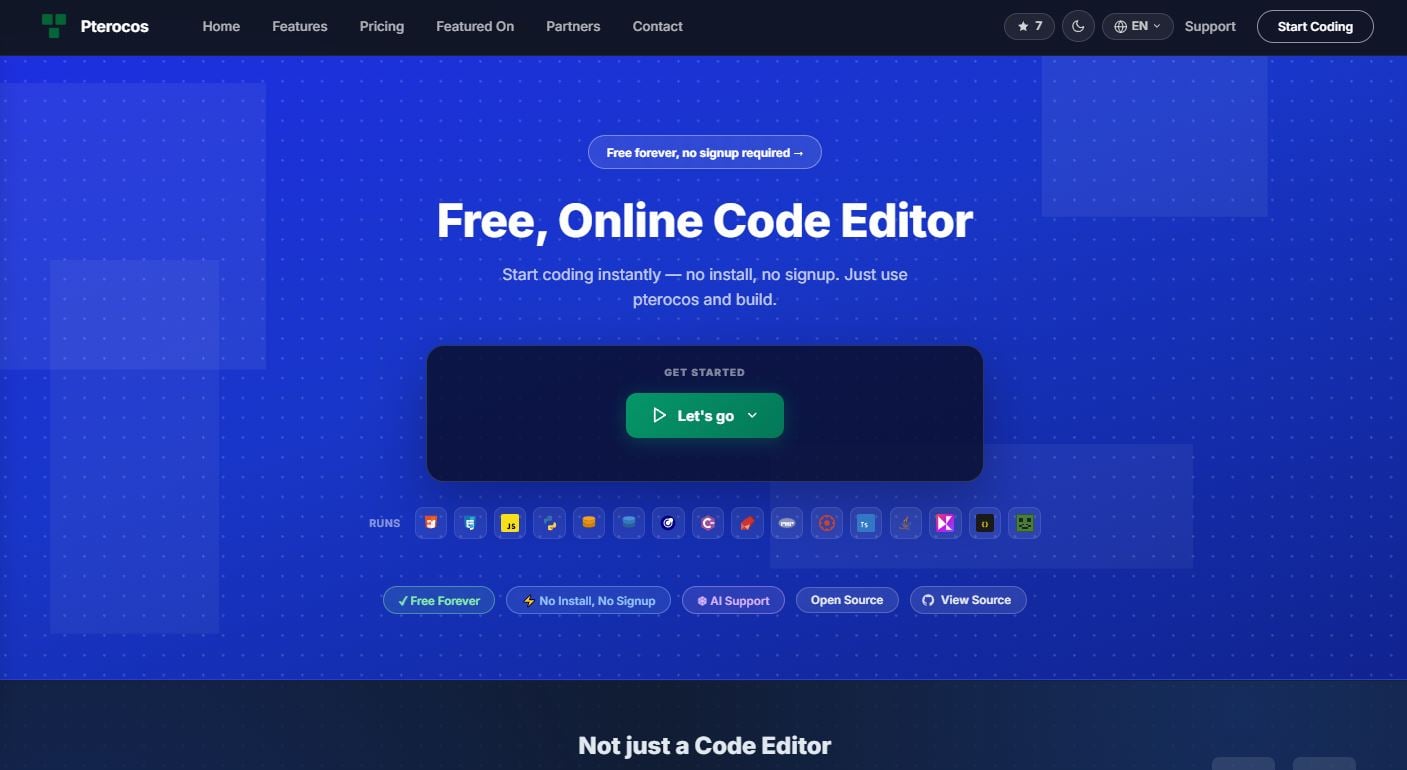
Open IDE is a free, open-source browser-based code editor that supports 15+ programming languages—all running directly in your browser with zero installation required.
Why Open IDE?
Setting up local development environments is time-consuming and frustrating. Open IDE eliminates the barrier to entry by bringing the power of a full code editor to your browser.
Key Features
✅ 15+ Languages – Python, SQL (SQLite & DuckDB), PHP, Rust, C#, Java, Kotlin, Ruby, Lua, HTML, CSS, JavaScript, TypeScript, and more
✅ Zero Installation – No downloads, no configuration, no account required
✅ AI-Powered – Built-in AI chat assistant for debugging and code generation
✅ Live Preview – See your HTML, CSS, and JavaScript render in real time
✅ Instant Sharing – Share runnable code examples with a single link
✅ Privacy First – All processing happens client-side—your code never leaves your browser
✅ Open Source – Free and transparent, built for the developer community
Built on Modern Technology
Open IDE is powered by:
- WebAssembly – Near-native performance in your browser
- Monaco Editor – The same engine that powers VS Code
- Pyodide – Python runtime in WebAssembly
- PGLite – PostgreSQL-compatible database in the browser
- Kotlin/Wasm – Kotlin running via WebAssembly
Who Is Open IDE For?
- Students – Learn programming without installing anything
- Developers – Prototype, debug, and test code instantly
- Educators – Share runnable examples with your students
- Teams – Collaborate and share code without setup friction
Get Started
Ready to code? Open your browser and start writing code at open-ide.com. No installation, no excuses.
👉 Start Coding Now – https://open-ide.com
Open IDE is an open-source project committed to making coding accessible to everyone, everywhere.